Printer Test Page – Free Online & Printable PDF Test Pages
Print a test page instantly – no software, no sign-up, no cost. Choose black & white, full color, or CMYK. Works on HP, Canon, Epson, Brother, and all major brands.
What Is a Printer Test Page?
A printer test page is a diagnostic sheet that reveals exactly how your printer performs – before you waste ink or paper on real documents. It checks color accuracy, ink levels, print alignment, sharpness, and gradient rendering in one quick print.
Whether you’re setting up a new printer, troubleshooting a faulty cartridge, or verifying print quality after a service, a test page gives you a clear, instant answer: your printer is either ready – or it isn’t.
Quick Answer: A printer test page is a standardized diagnostic print used to verify ink quality, color accuracy, alignment, and overall print health. Print one whenever colors look off, lines appear, or after replacing a cartridge.
Three Types of Printer Test Pages
1. Black & White Test Page
Best for: Laser printers, office printers, grayscale documents
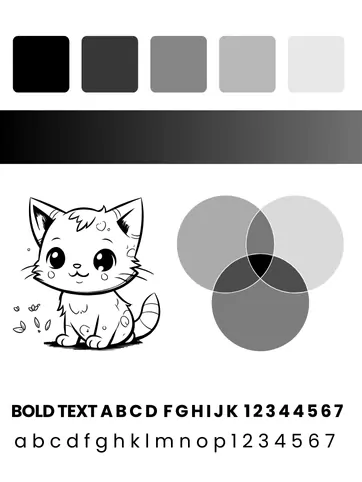
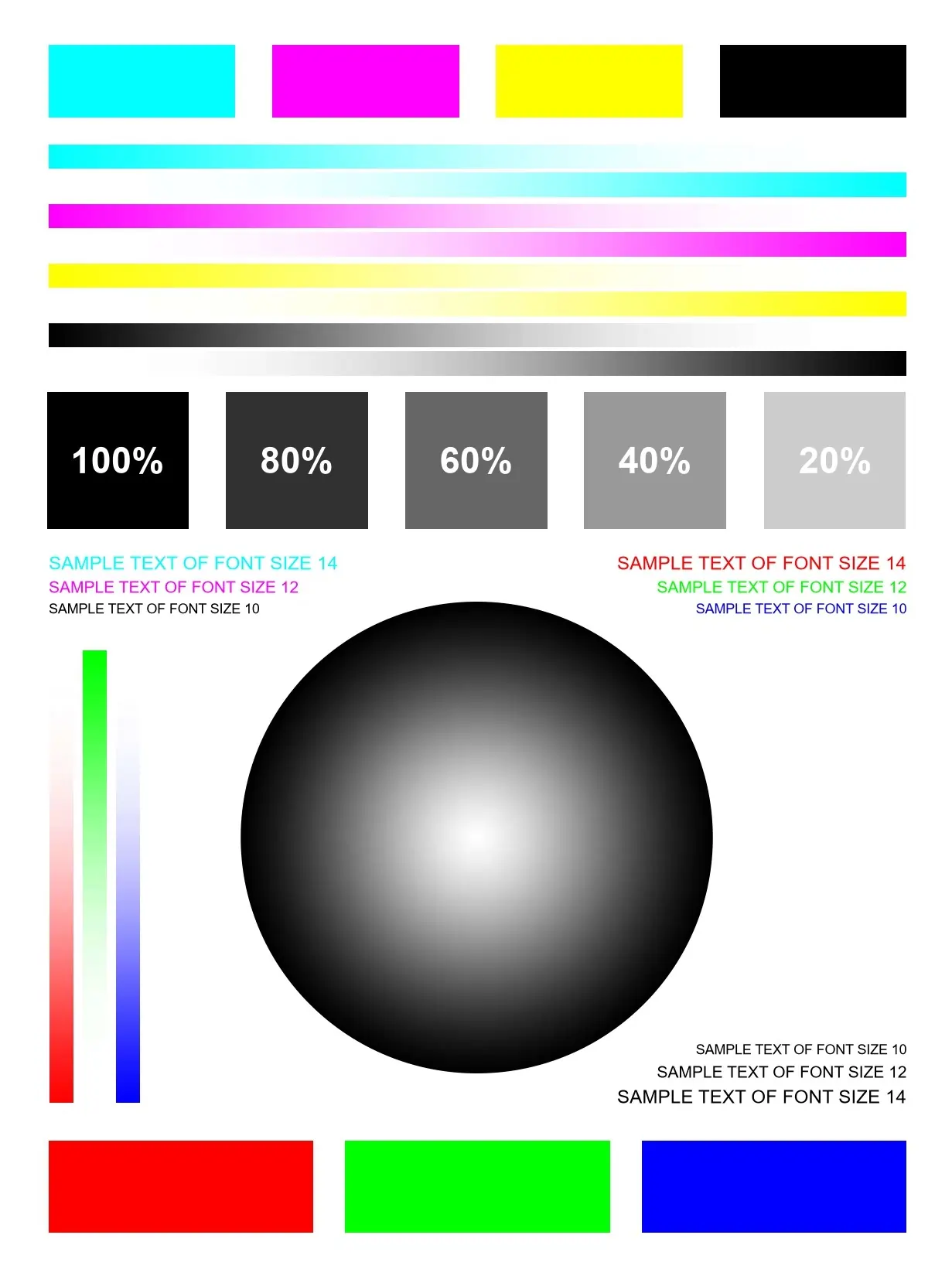
The black and white printer test page is your go-to diagnostic for monochrome printing. It renders a full spectrum from deep black to the lightest gray — in both linear and radial gradients — so you can immediately spot:
Available in Letter (216 × 279 mm), Legal (216 × 356 mm), A3 (297 × 420 mm), and A5 (148 × 210 mm) formats. Download the free grayscale test page PDF for offline use anytime.
2. Color Test Page
Best for: Inkjet printers, photo printers, marketing material printing
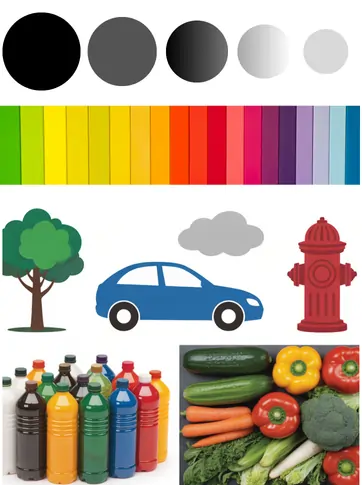
The color printer test page goes beyond simple color blocks. It features interconnected real-world images — a tree, a car, a cloud, a fire hydrant, bottles, and vegetables — designed to reveal how your printer handles:
If colors appear washed out, lines are missing, or hues look muddy, the color test page pinpoints the exact problem before you waste ink on an important job.Download the free color test print PDF in Letter, Legal, A3, or A5 format.
3. CMYK Test Page
Best for: Professional printers, print shops, designers, pre-press verification
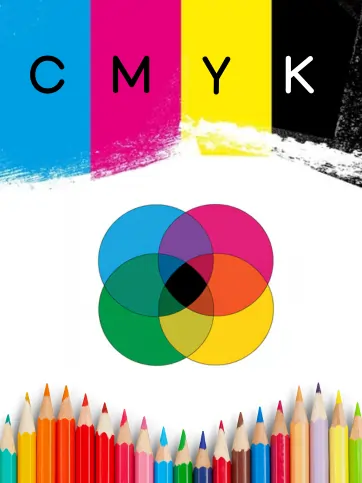
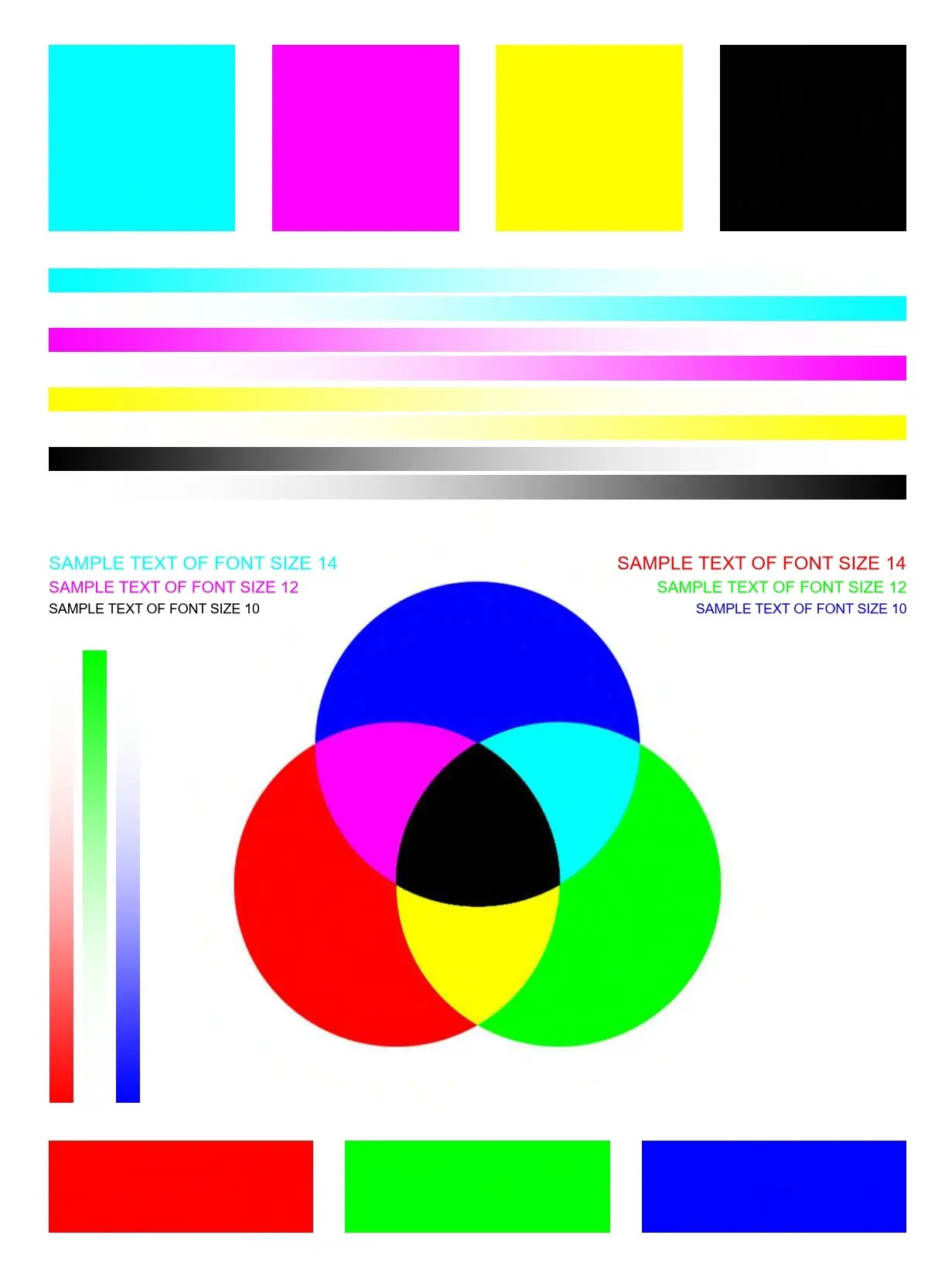
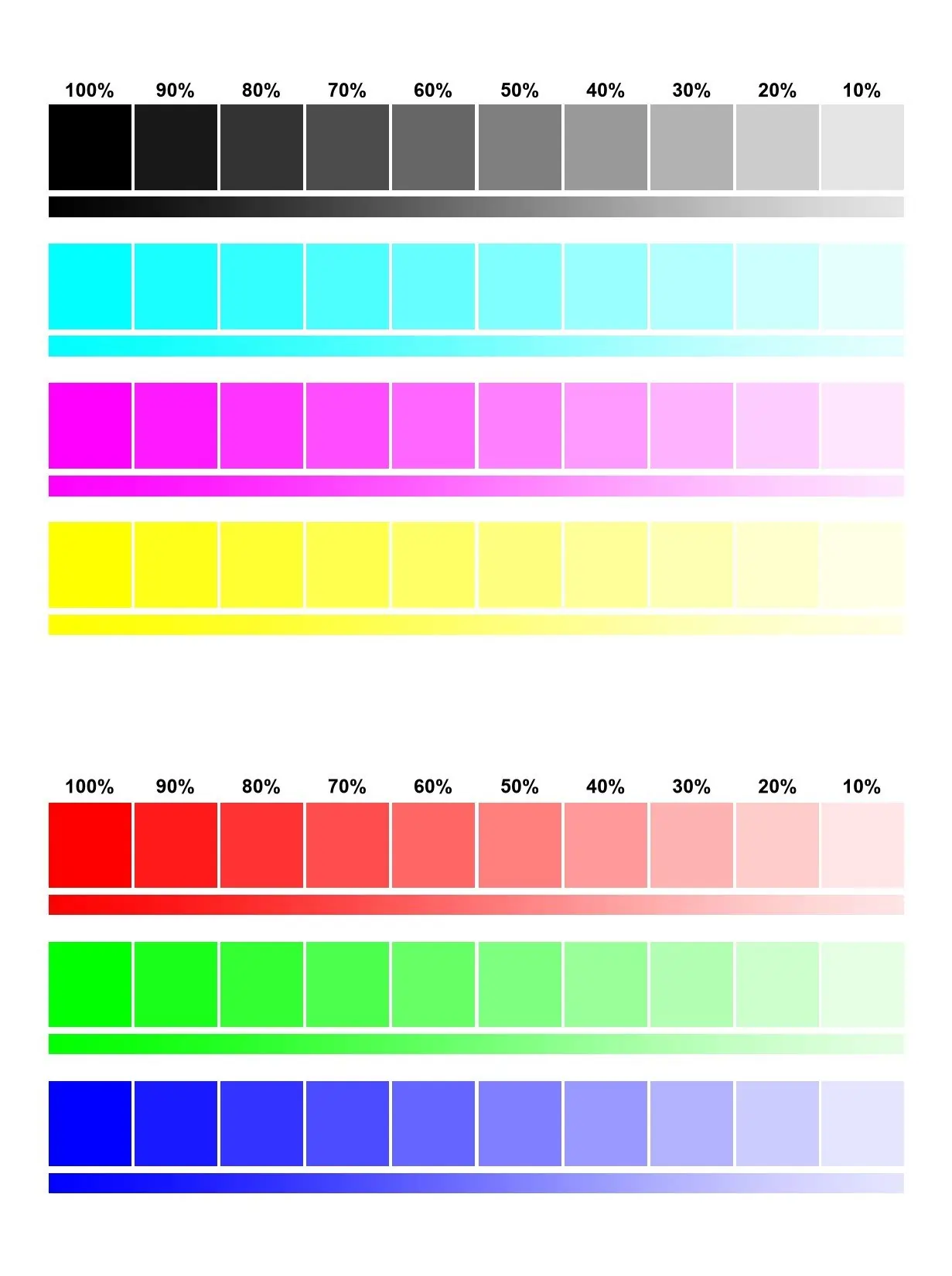
The CMYK printer test page is the industry-standard diagnostic for professional-grade color printing. It validates all four ink channels – Cyan, Magenta, Yellow, and Black (Key) – in three structured zones:
If any color block prints faint or missing, the fix is usually a printhead cleaning cycle. If cleaning doesn’t resolve it, a cartridge replacement is needed.Running a CMYK test print regularly keeps color balance consistent, extends cartridge life, and ensures your prints stay rich and accurate.
Individual Color Test Pages
Need to test a single ink channel? Use standalone color test pages to isolate exactly which cartridge or nozzle is underperforming:
|
Color |
Purpose |
|
Yellow |
Detect faint or missing yellow ink — easiest to miss |
|
Cyan |
Check blue-green channel used in most mixed colors |
|
Magenta |
Identify pink/red tones going flat or streaky |
|
Blue |
Verify full-depth blue without purple shift |
|
Green |
Confirm cyan + yellow mixing correctly |
|
Red |
Check magenta + yellow blend accuracy |
|
Black |
Isolate the black cartridge from color channels |
|
Orange |
Spot warm-tone ink depletion before it affects photos |

Extended Test Pages & Print Quality Charts
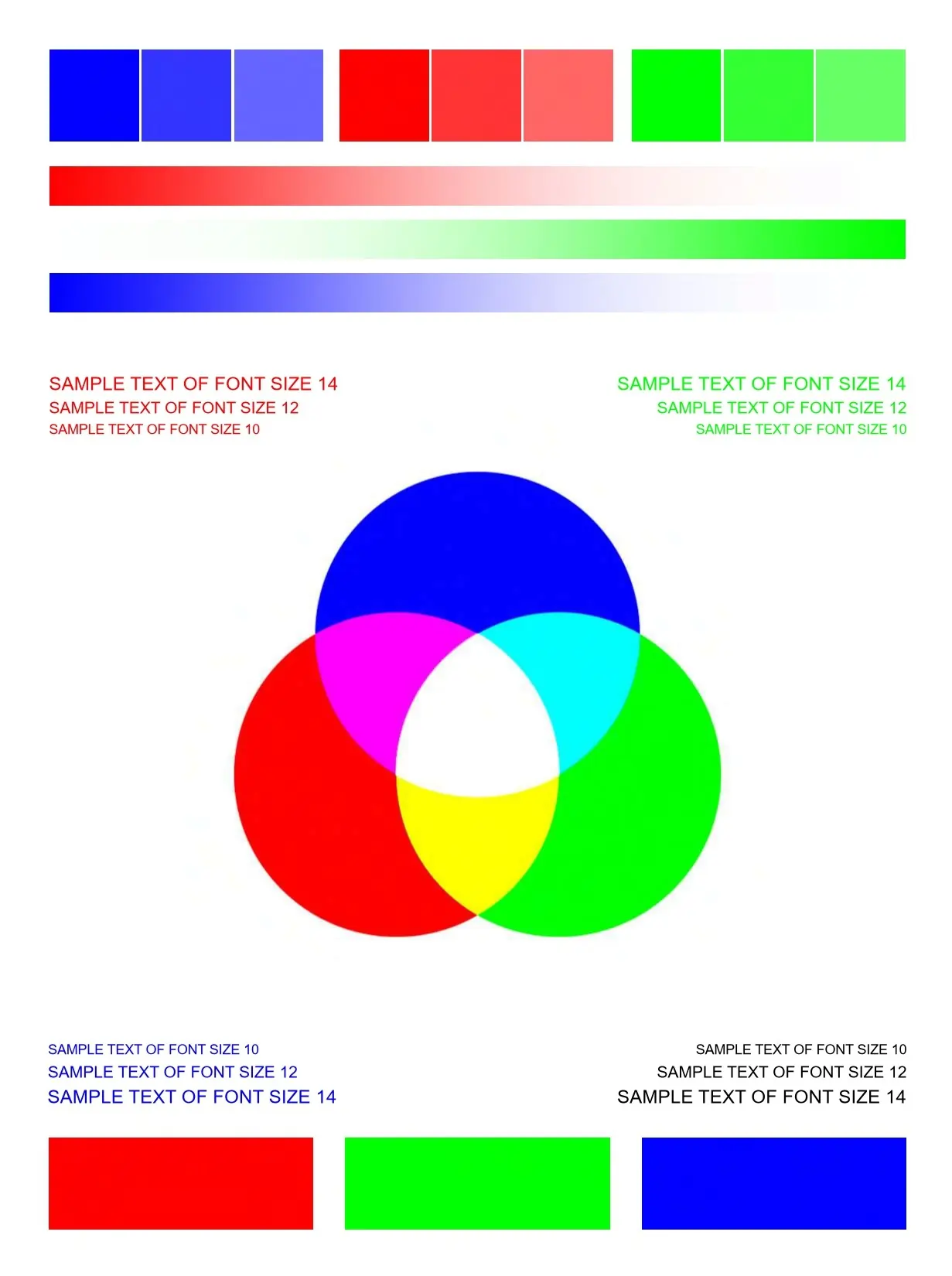
For deeper diagnostics, use these specialized test formats:
Grayscale Test Page – 21-step neutral gray ladder for monochrome accuracy


Printable Templates & Coloring Pages
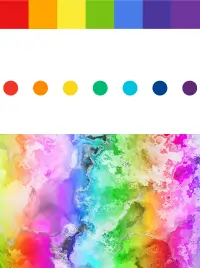
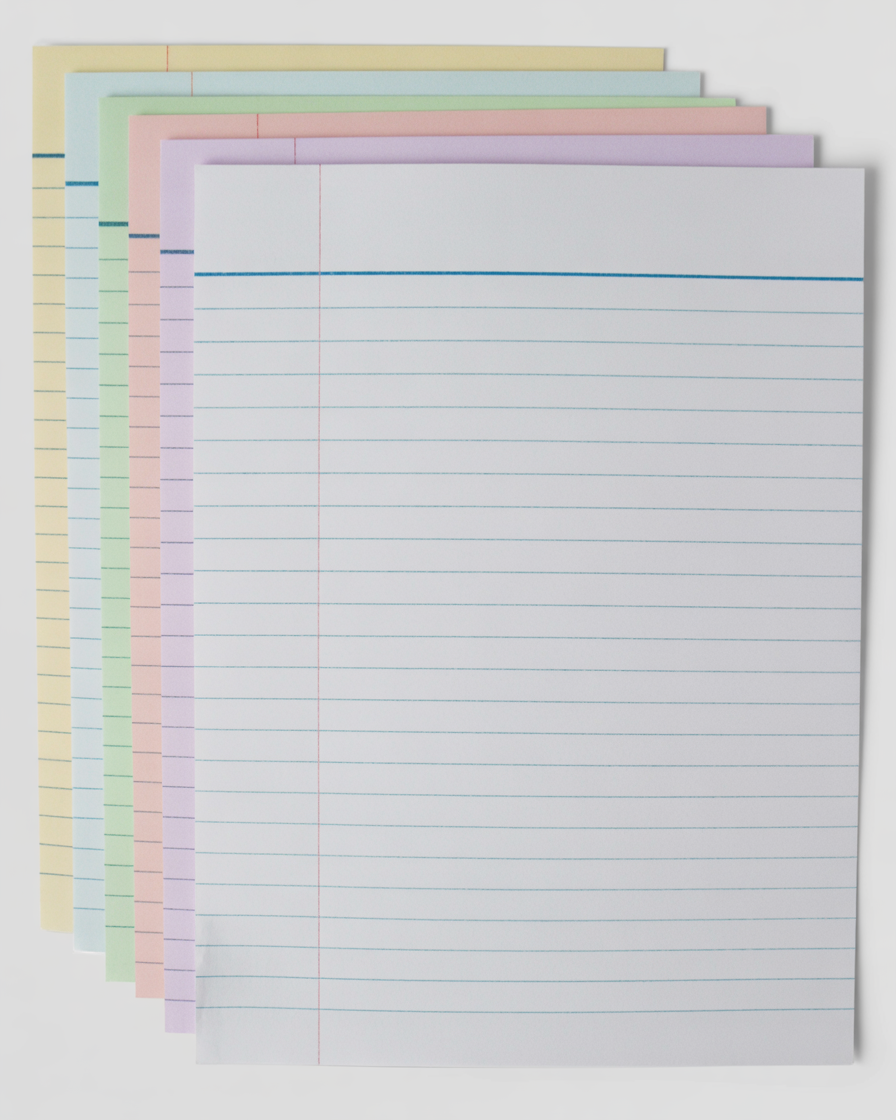
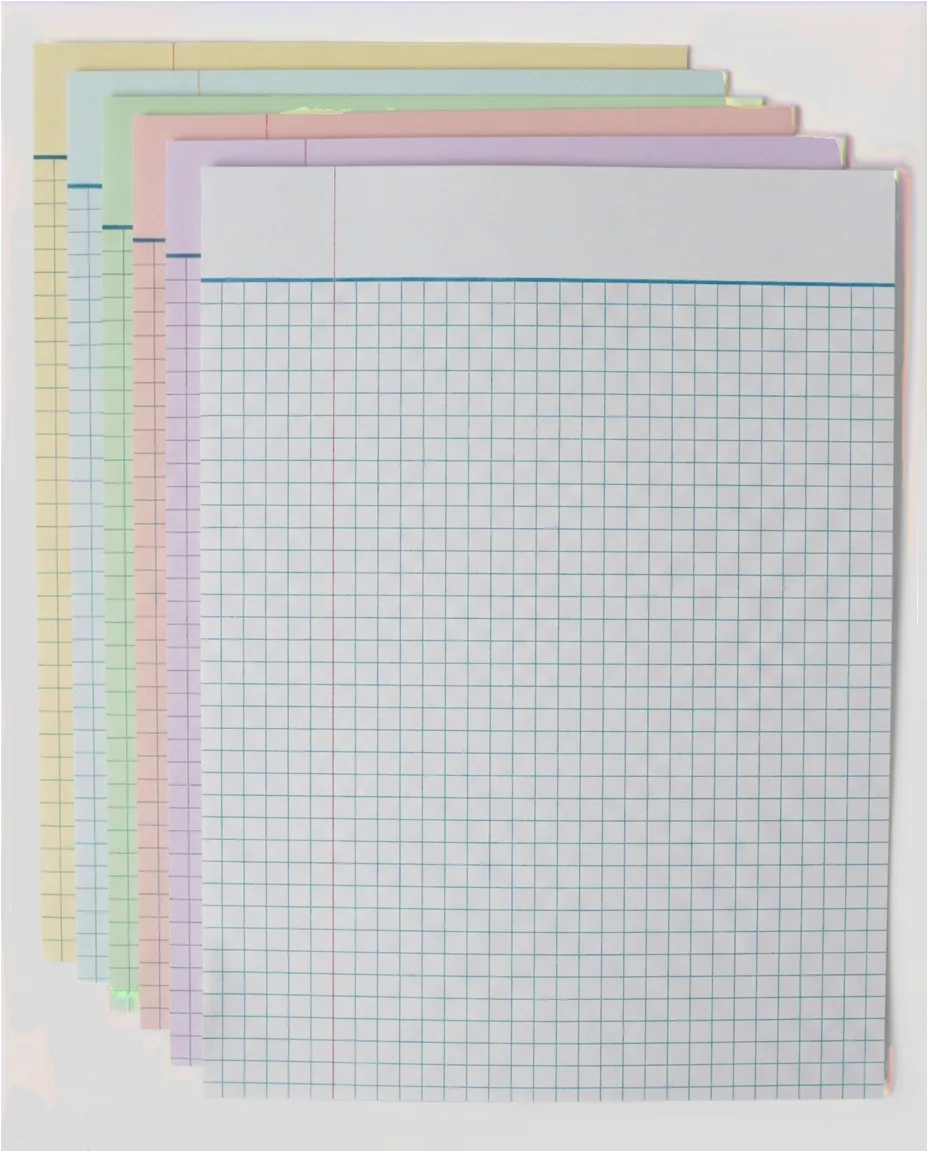
Lined paper, graph paper, printable calendars, storyboard templates, scoring sheets, calligraphy paper, and comic strip templates are useful for school, work, and creative projects. Students and teachers use them every day for writing, math, planning, and classroom activities. Printable coloring pages are especially popular, offering fun and creativity for all ages with themes like superheroes, Sonic, Hello Kitty, unicorns, Christmas, and Halloween. Best of all, they’re free and easy to print at home or school.




Why Use This Printer Test Page Tool?
Instant diagnosis – know in under 60 seconds if your printer is ready
Printer Brands Supported
Our test pages are tested and compatible with all major printer brands:
HP · Canon · Epson · Brother · Dell · Ricoh · Samsung · Olivetti · Toshiba · Fuji Xerox
These test pages work with inkjet, laser, and multifunction printers. If your brand isn’t listed, our standard test pages are universally compatible with any printer that accepts standard paper sizes.










Conclusion
A printer test page is the fastest, cheapest, and most reliable way to confirm your printer is performing at its best. Print yours now — free, instant, and no sign-up required.